Welcome page overview
Welcome Page is an intro page of USU Self-Service Portal. It consists of several fixed and optional elements.
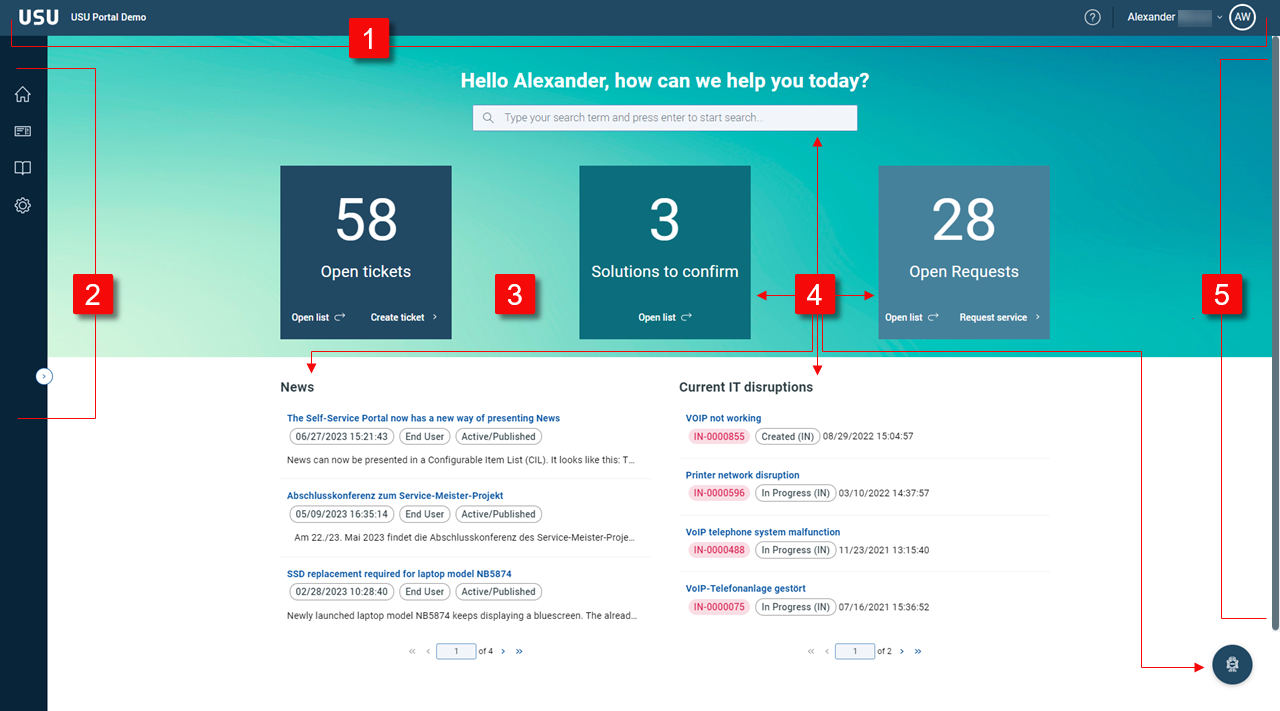
| USU toolbar is always visible at the top of the Welcome Page. It contains two elements: USU logo and User profile. Note that the toolbar and the navigation menu don't specifically belong to the Welcome page. They are the basic Portal components and are always available. | |
| Navigation menu is vertical bar on the left side. The menu contains some default items as well as some optional (customized) items. Note that the toolbar and the navigation menu don't specifically belong to the Welcome page. They are the basic Portal components and are always available. | |
| Welcome Page | Self-Service Portal home page. It consists of the following elements: Dashlets, toolbar and the navigation menu. Note that the Welcome Page is always a matter of individual customization. Also note that Self-Service Portal supports multiple Portal Pages which a single Welcome Page derives from. Every Portal Page is a collection of selected dashlets. See also the examples below. |
| All the elements in the Self-Service Portal Page:
These elements as well as other dashlets created by your admin can be combined within one or multiple Portal Pages. | |
| Drawer | A panel sliding in from the right part of the current page. There are two drawer types:
Typically if you click a specific element, a drawer slides in from the right. |


Note
can be configured in two ways:
All Portal pages and configurations are built from scratch.
USU GmbH imports a standard package of different portal pages and configurations. This standard package can be used as the basis for the customer-specific content.
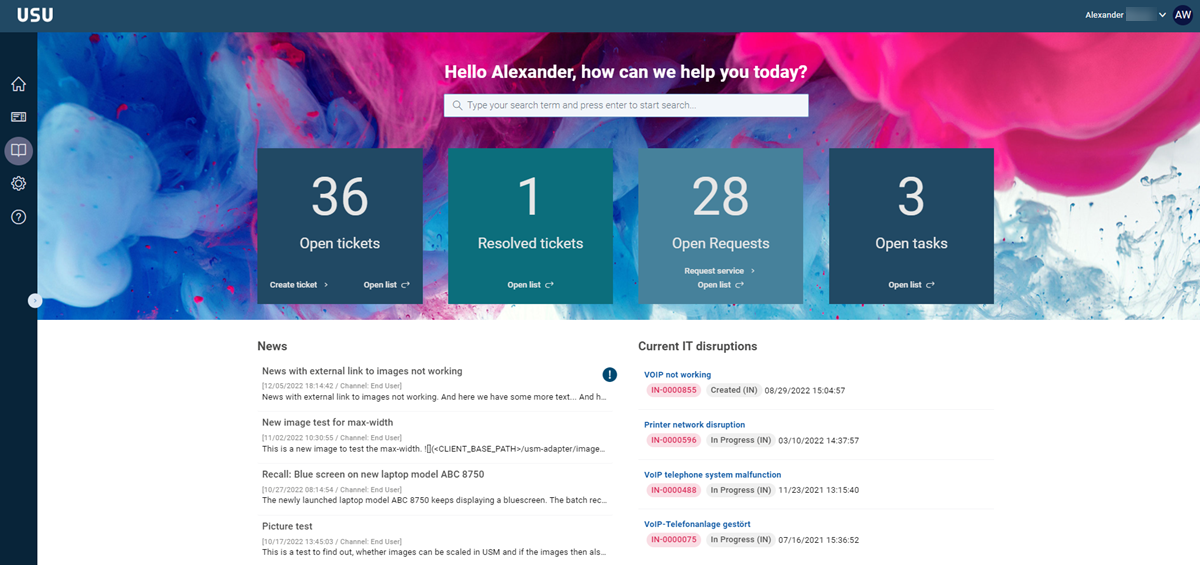
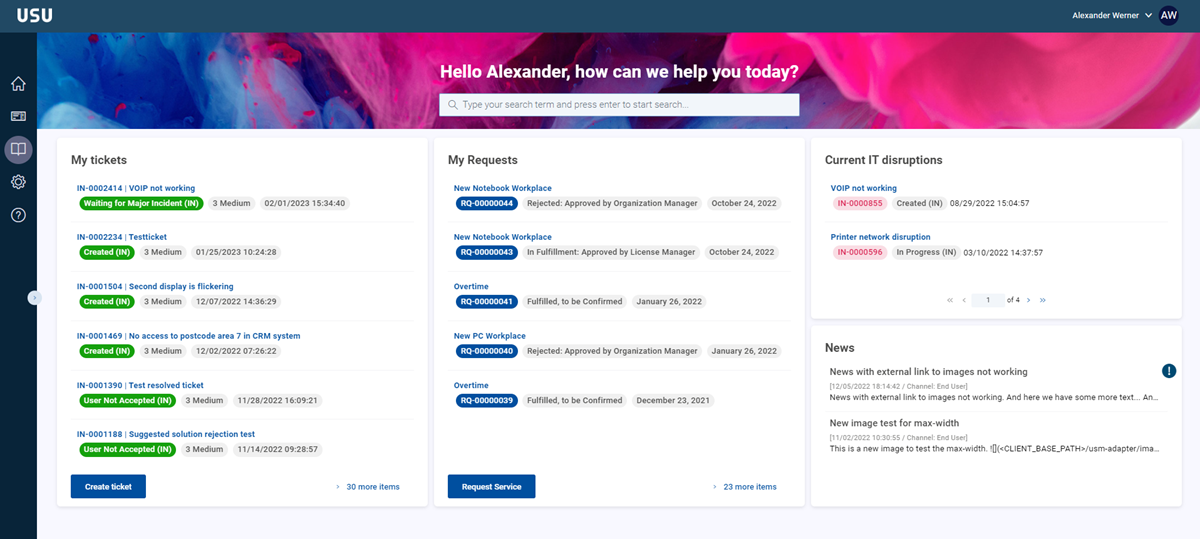
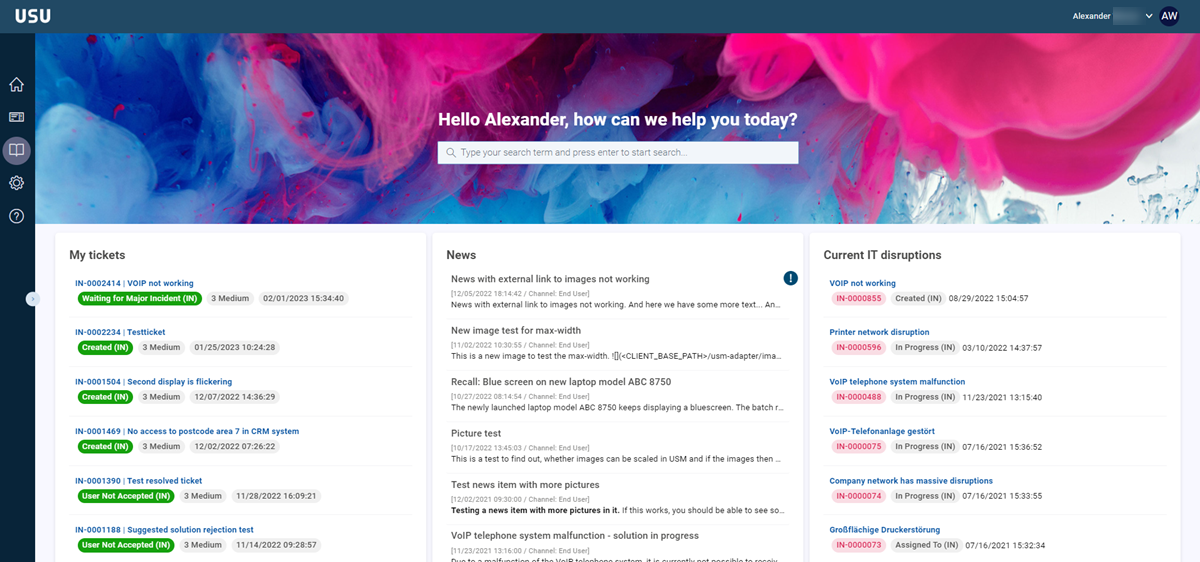
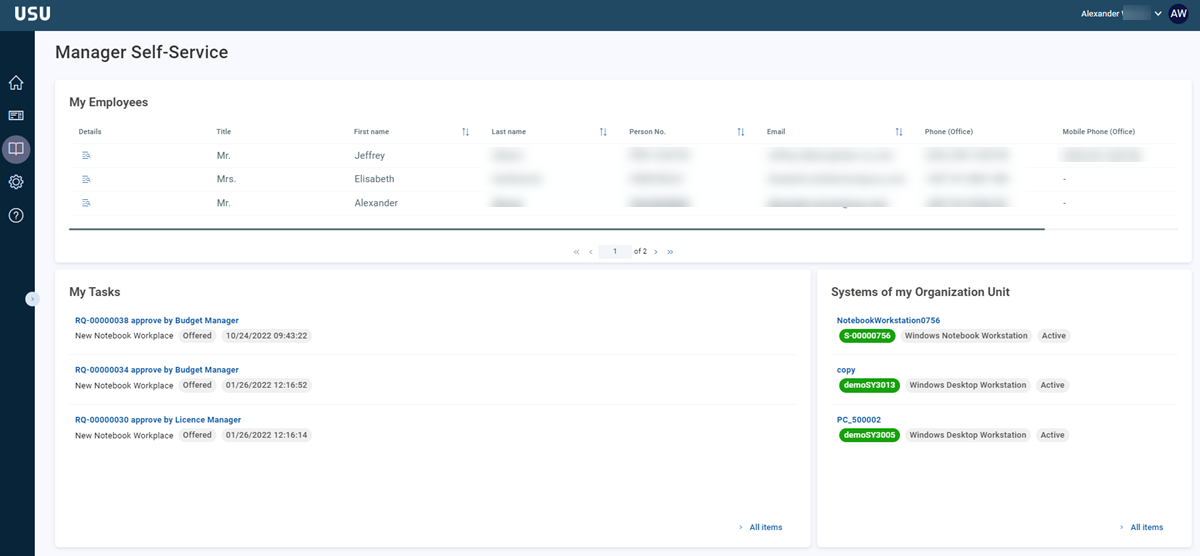
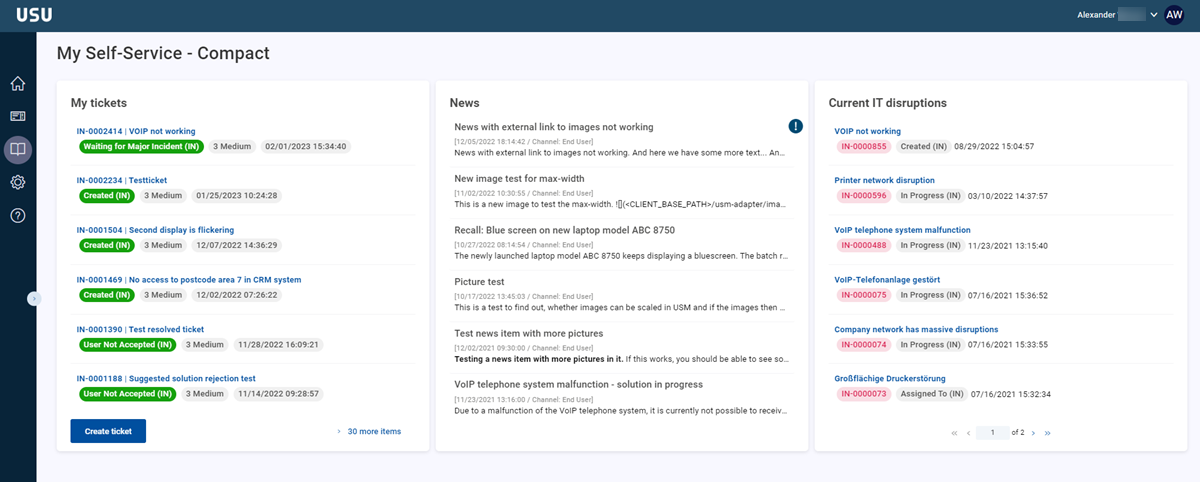
Examples of various configurations of the Welcome and Portal Pages
Depending on the dashlet configurations, the Welcome Page and Portal Page can be composed in quite different ways.