Reading the current IT disruptions on the Welcome Page
To read the current IT disruptions on the Welcome Page:
Go to the Welcome Page.
Locate the Current IT disruptions dashlet to check the displayed current IT disruptions.
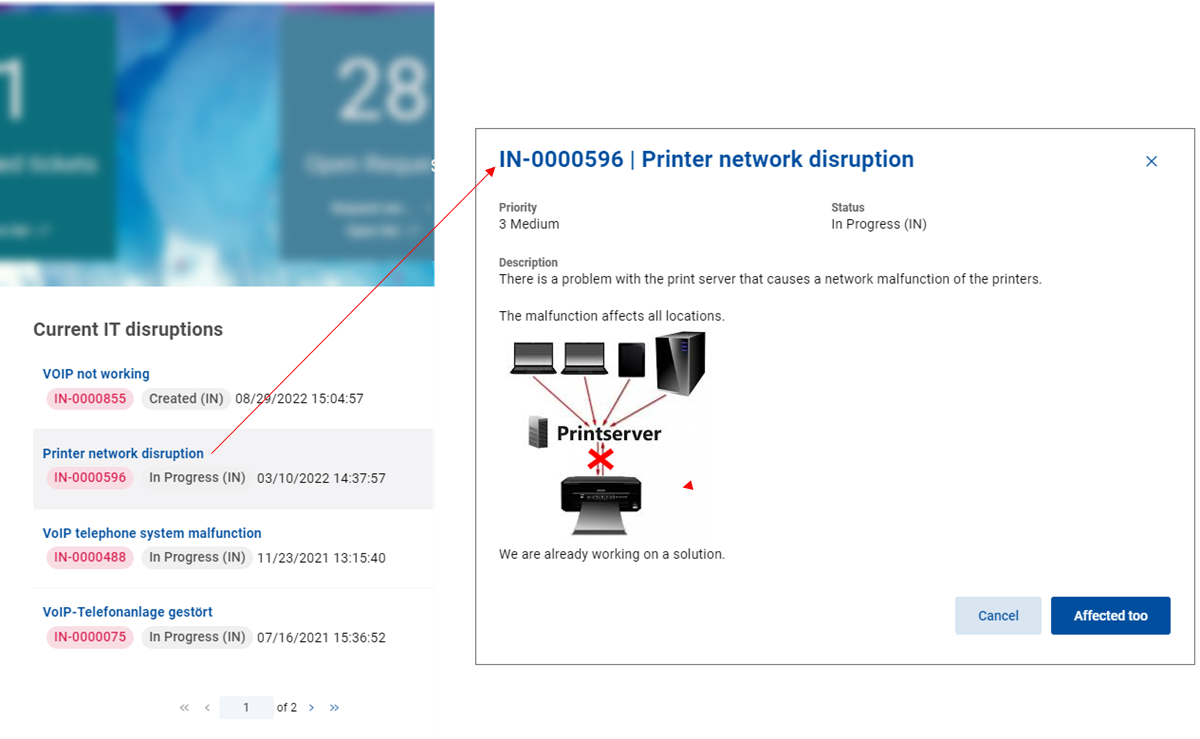
Click the selected current IT disruption.
The drawer opens on the right.
Here you can read a full description of the selected disruption.
Click Cancel to close the drawer.