Creating a ticket: Compact form
Note
It depends on the admin settings if the end user is provided with the compact ticket form or full ticket form.
To create a ticket in a compact form:
Go to the Open tickets Info tile.
Click .
The Create ticket compact dialog opens.
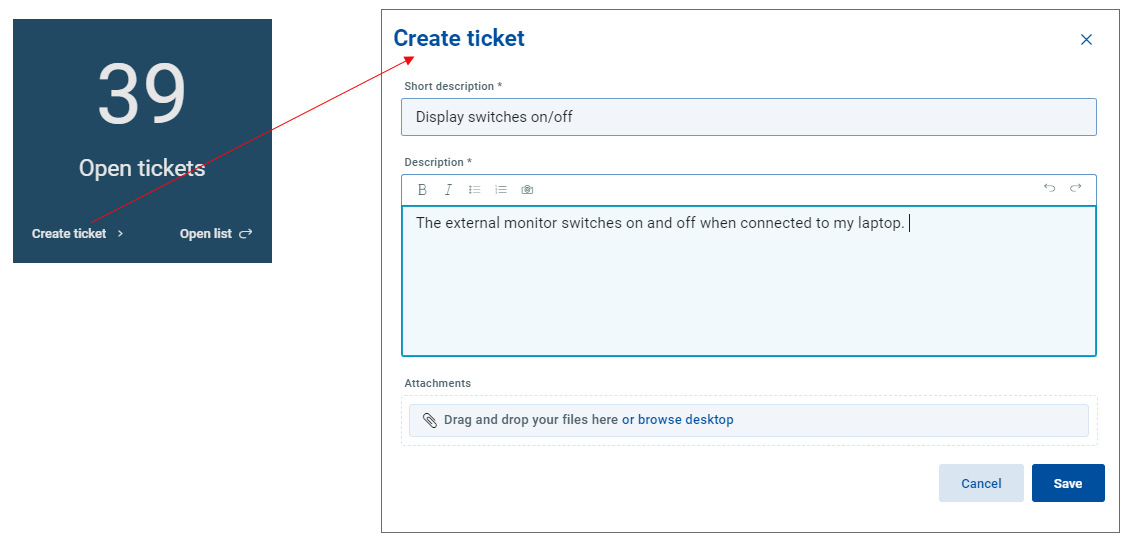
Fill in a short description and optionally add an attachment.
Note that you can also copy and paste a picture directly in the description field.
Click Save.
Note
As you save a new ticket, the counter on the tile adds a number to the overall count immediately.