Creating a ticket: Full form
Note
It depends on the admin settings if the end user is provided with the compact ticket form or full ticket form. Note that the full form is just another way what the create ticket form can look like.
To create a ticket in a full form:
Click Create ticket in a dialog.
The Create ticket full-scale dialog box opens.
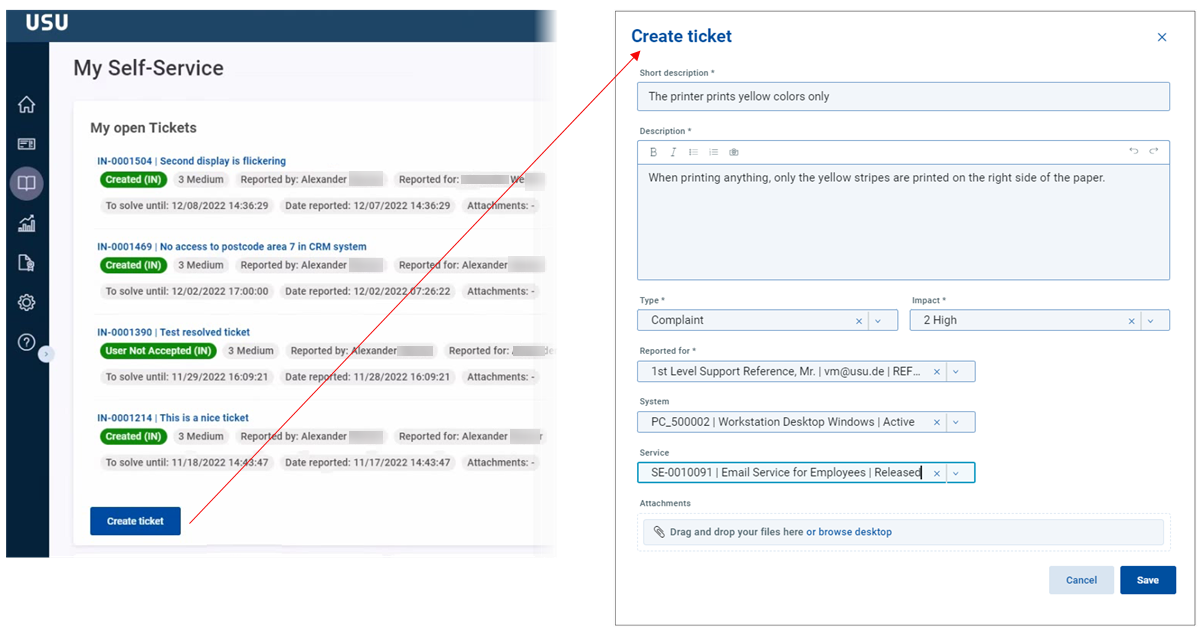
This dialog contains the other specific fields related to the ticket creation: Description, type, impact, reported for, system and service.
Fill in at least the mandatory fields.
Click Save.