Main concepts and elements
This section provides information on main concepts and corresponding screen elements used in the
Main sections
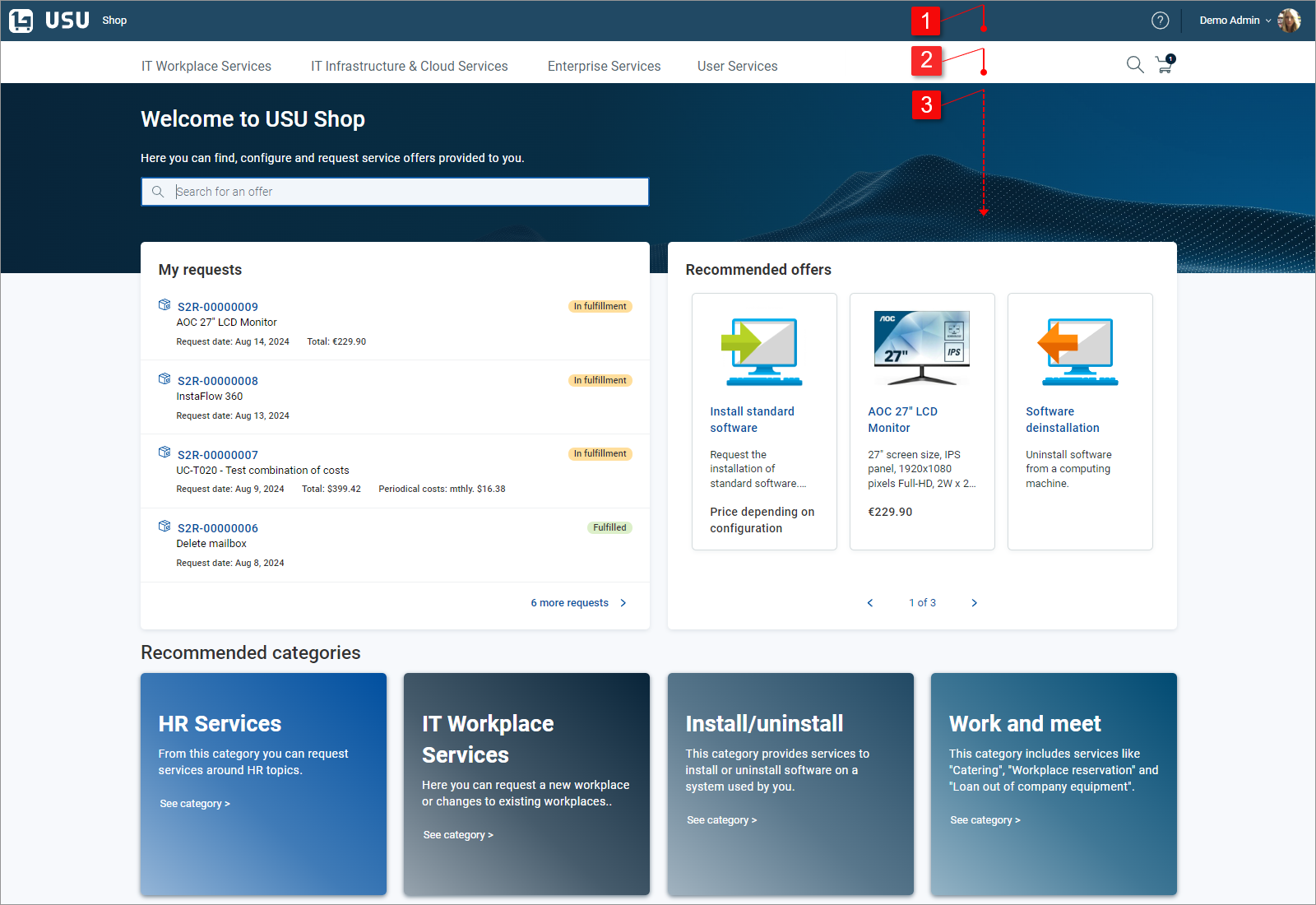
| Link to Shop homepage, online help and user profile menu. | |
| Main navigational area | |
| Main work area displaying content according to the context: Homepage (in the example image), Category pages, Search results, Offer detail, Cart page, My requests page |


Note
Examples and screenshots in this user guide use demo data supplied by the manufacturer. The content (offers, categories and category structure) and some functions in your shop will differ but general concepts explained here still apply.